
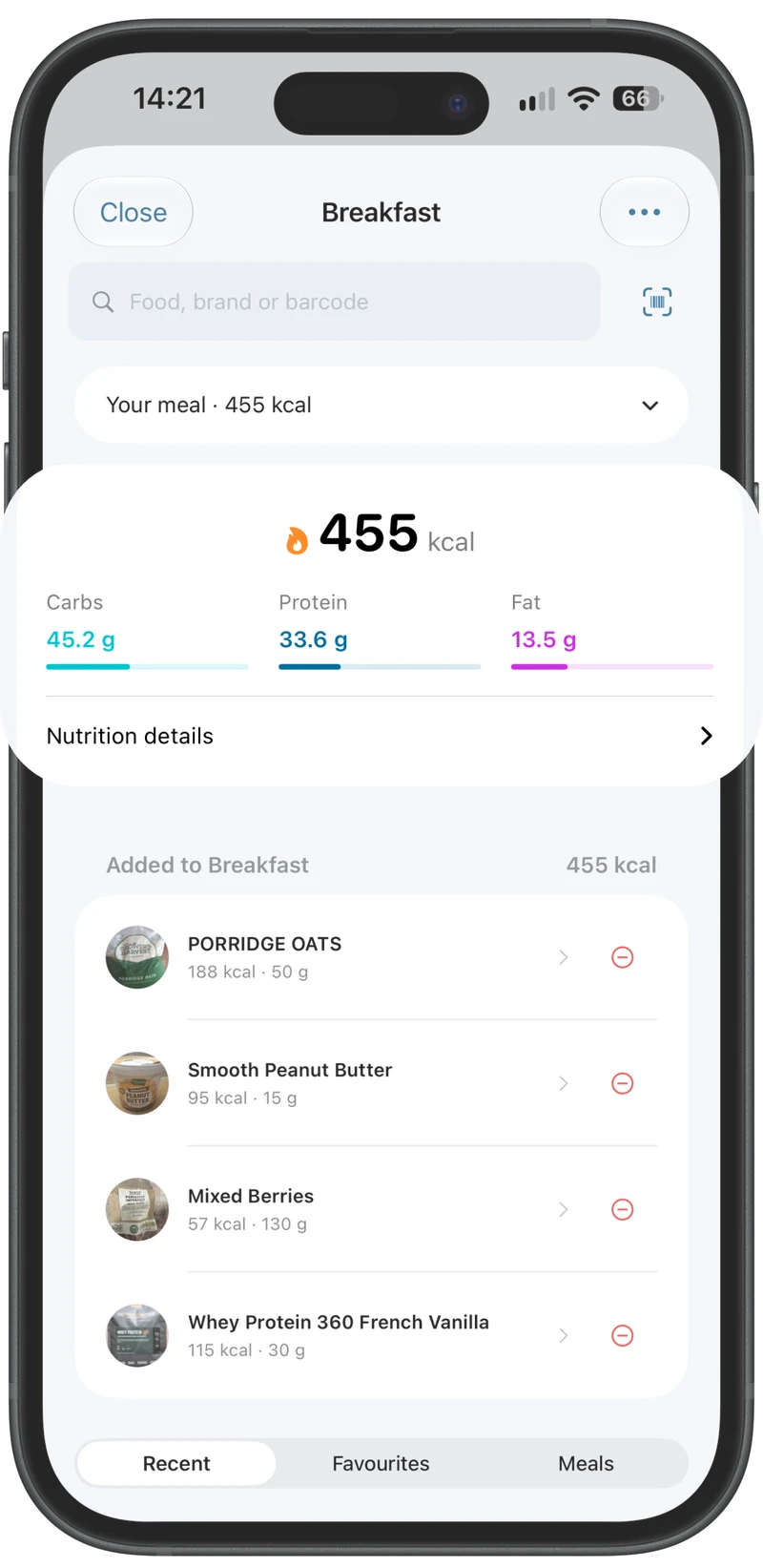
Find it. Scan it. Log it.
Check calories, macros and the available portions before adding a food.
Record your meals, plan around your shopping day and see how the week adds up.
Use the diary to record food and the planner to organise meals ahead. Review the actual ingredients and portion before a planned recipe counts towards your totals.
Find a food or scan its barcode, check the portion and save it to the right meal. Familiar foods are easier to return to.
Choose the start day and meal for your planning week. Build a shopping list from the ingredients you need, then check what you already have.
Invite someone to collaborate on the meal planner. Coordinate the cooking while keeping each person’s logged portions separate.
Review macros and available nutrient detail. Meal insights show how the logged food fits your targets and where nutrient data is incomplete.
Review weekly calories and averages, and choose optional higher-calorie days within your weekly target.
Build a recipe from its ingredients and portions. Keep recipes you use often in your library.
Log water throughout the day. Add supplements and choose reminder days and times.
Adjust targets, meal frequency and your planner’s start day from Fuel. The same settings carry across the app.
Optional adaptive calorie targets review your weight trend against your preferred pace after enough time and consistent logging. Changes build from your current targets, with an explanation; past days keep the targets they had.
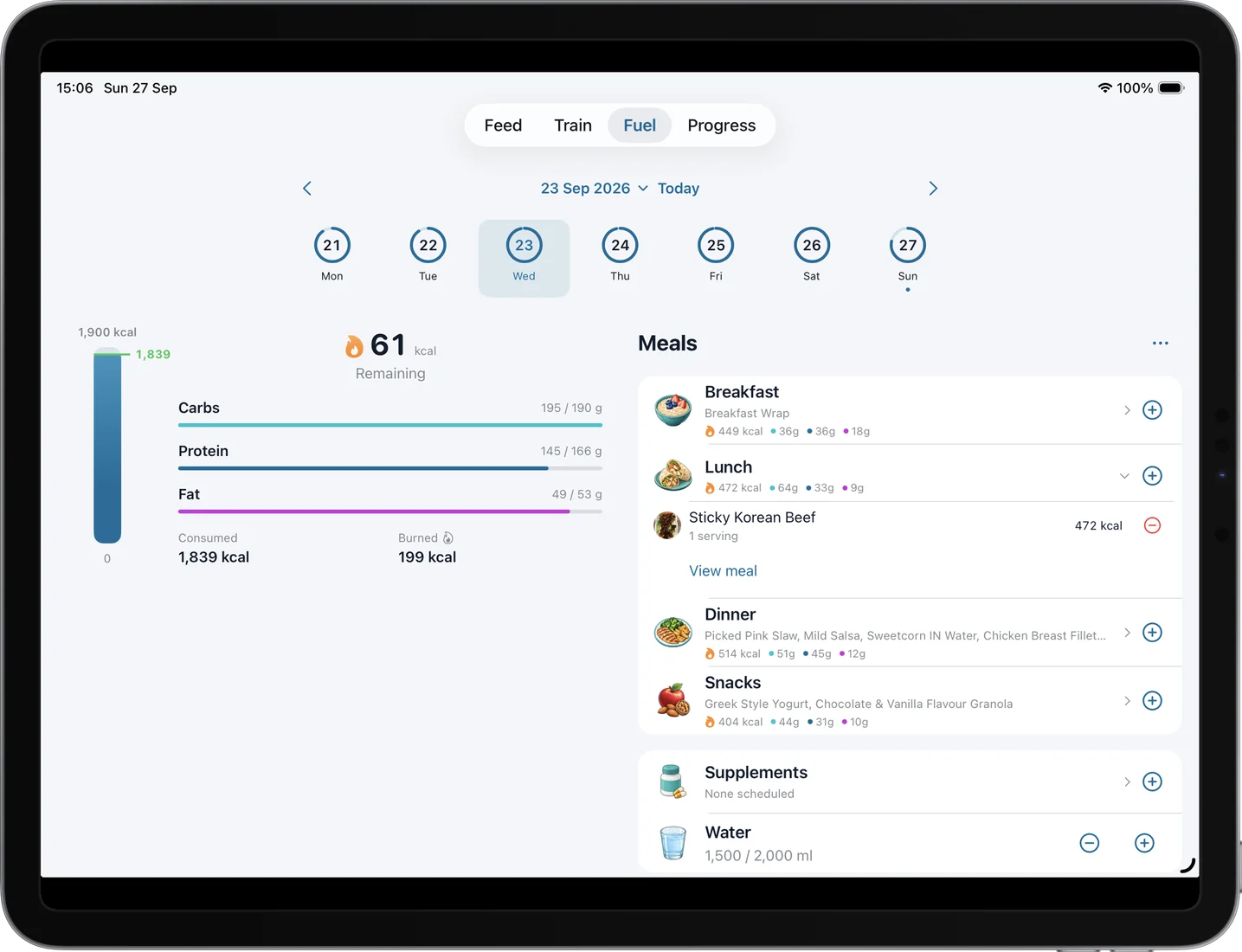
On iPad, your meals sit beside the calorie and macro summary. Move between dates to review the week, then open the planner to organise what comes next.
Check calories, macros and the available portions before adding a food.
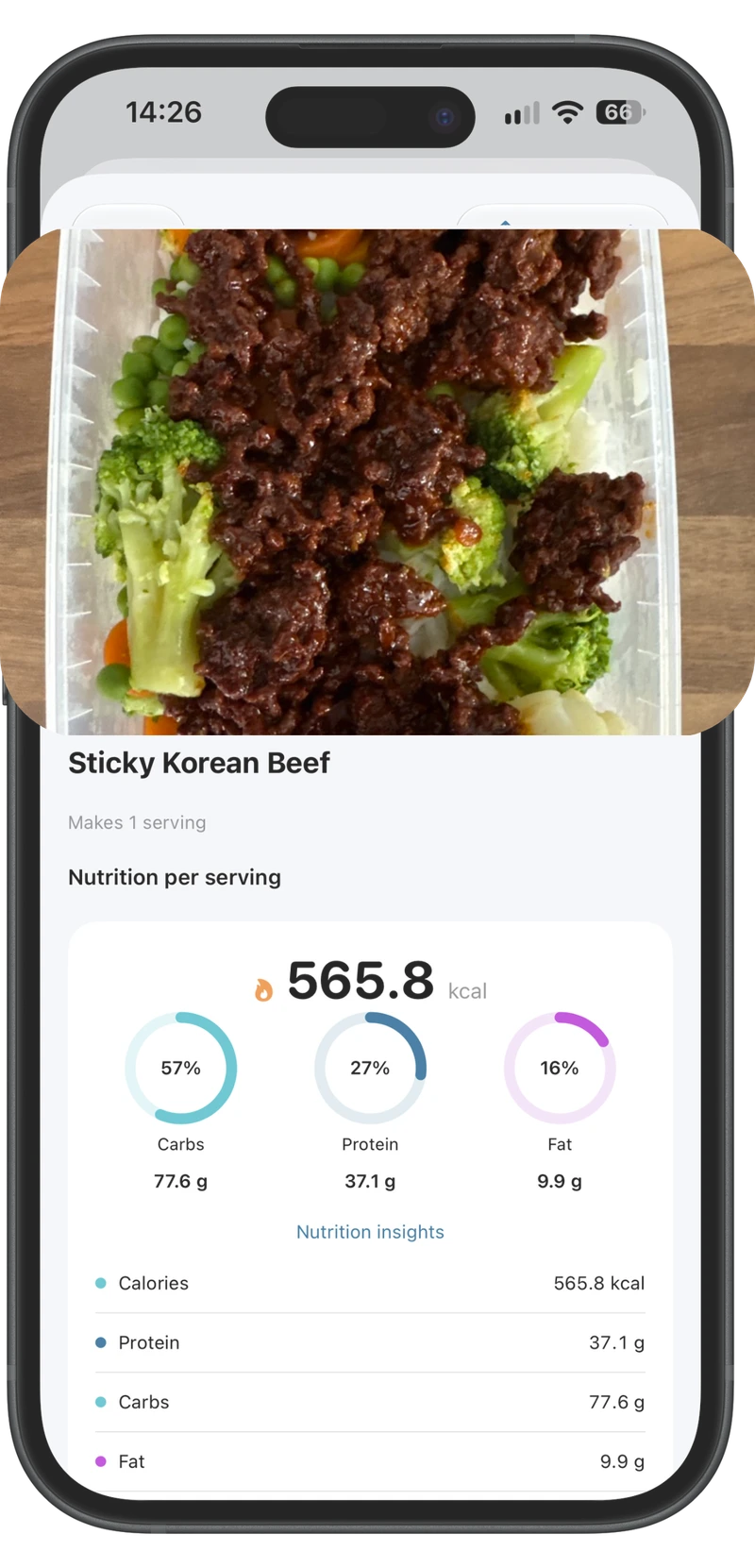
Save ingredients and servings once, then return to the meals you actually cook.