
Search for a person
Open Discover people from the Feed. Search by name or username, then check the profile before following.
Results prioritise your existing connections. A private account may ask you to send a follow request rather than follow immediately.
View Connections
Open Connections from your own Progress page or another person’s profile. The list shows profile pictures, names, usernames and follow controls.
Your own Connections view has Followers and Following. Another person’s view can also show mutual connections.
Dismiss a suggestion
In Discover people, use the X on a suggestion to dismiss it. The compact People to follow panel on a landscape tablet shows up to five suggestions; open See all for the full list.
Manage an unwanted interaction
Use the profile or post controls to report a concern or block an account. Review blocked accounts in Settings. Following a person does not share your private food diary or body measurements.
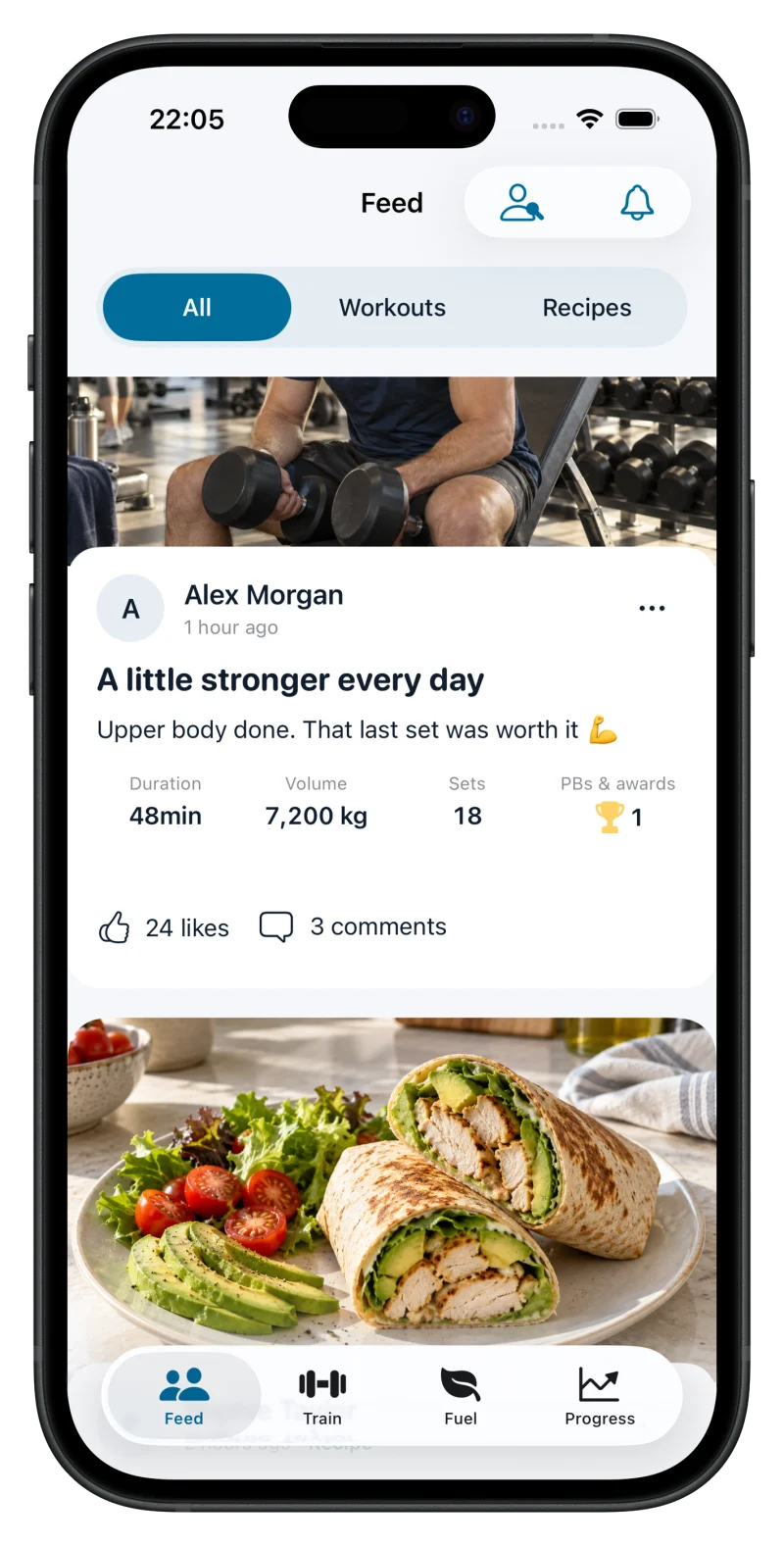
The feed brings shared workouts and recipes together.
View full-size screenshot ↗Need a hand? Contact admin@gorivo.co.uk.