Open Meal sections
Go to Settings → Nutrition & food → Meal sections. Keep the standard meals or set up names that suit your day, such as Meal 1, Meal 2 or After training.
Choose an image
Tap a section’s image to open the built-in image picker. Select the food or drink picture you want for that section. This picker does not upload personal photos.
Keep the order useful
Arrange the sections in the order you want to see them in your personal diary. When tracking a recipe, choose the section you actually want to log it to.
Shared planners stay consistent
Custom sections apply to your personal food diary. A shared meal planner keeps its agreed meal structure so both people can plan the same meals, even when their diary names differ.
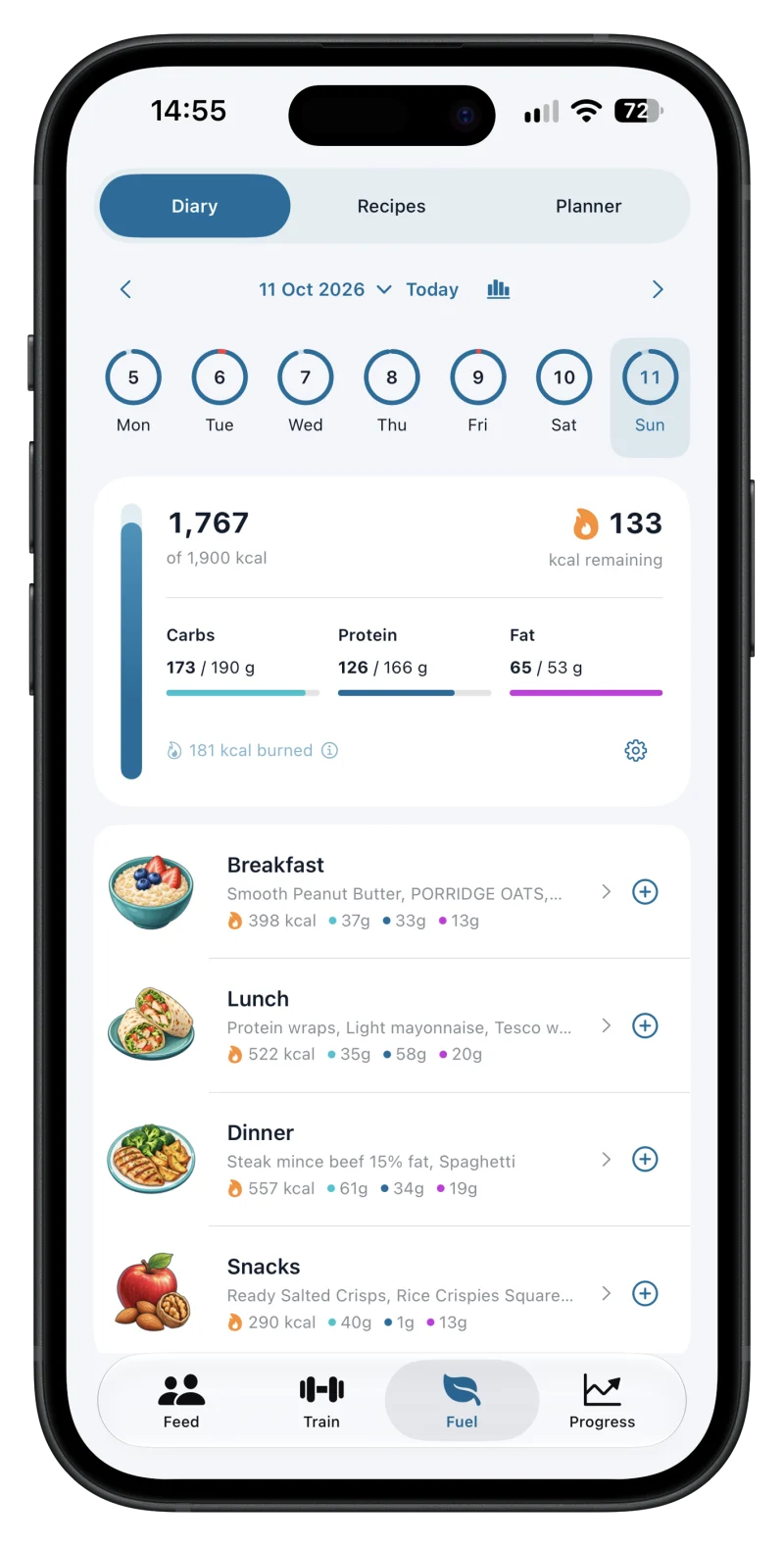
Your meal sections organise the personal food diary.
View full-size screenshot ↗Need a hand? Contact admin@gorivo.co.uk.